How to Change Cycles on a Variable Speed Pentair Pump: A Step-by-Step Guide

Quick Summary: Adjusting the cycles on your Pentair variable speed pump is simple! First, unlock the pump’s settings on the control panel. Then, navigate to the “Schedules” or “Programs” menu. Select the program you want to edit and change the start and stop times to match your desired cycle. Save your changes and lock the settings to prevent accidental adjustments. Now your pool pump will run exactly when you need it to, saving you energy and money!
Is your Pentair variable speed pump running at the wrong times? Maybe you want it to circulate more during the day or less at night. Don’t worry, adjusting the cycles is easier than you think! Many pool owners find this a bit confusing at first, but with a few simple steps, you can customize your pump schedule to perfectly fit your needs. This guide will walk you through the process, step-by-step, so you can take control of your pump and optimize your pool’s performance. Let’s dive in and get your pump running on your schedule!
Understanding Variable Speed Pentair Pumps
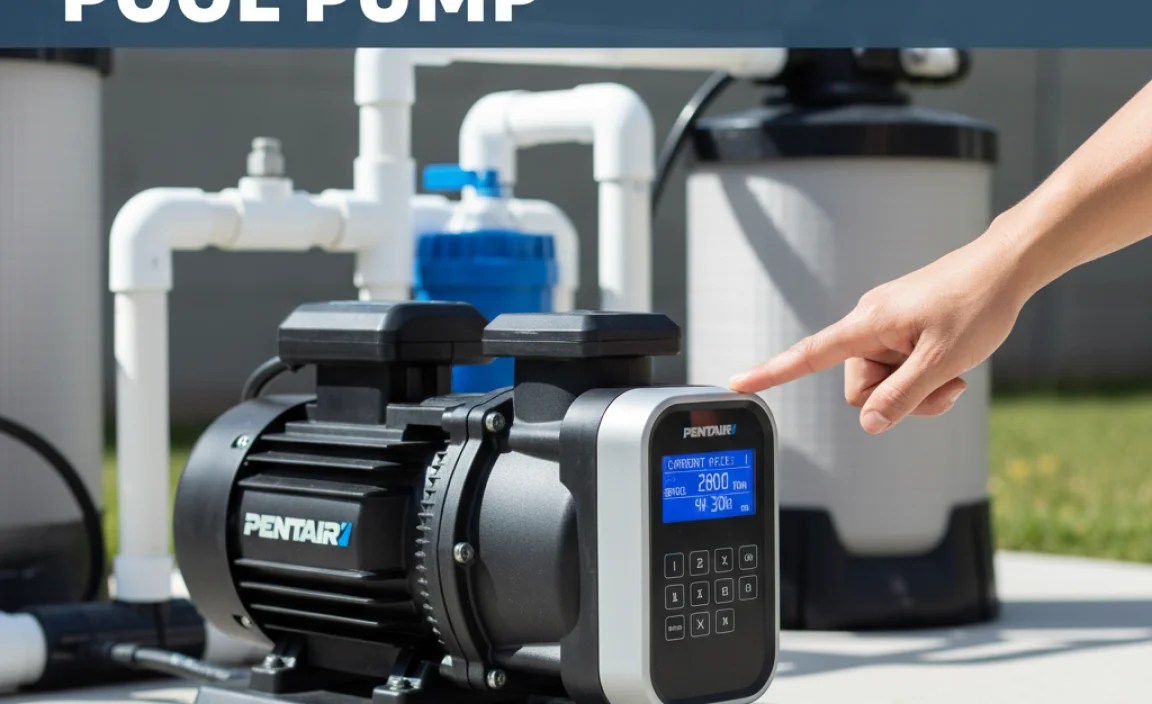
Variable speed pumps are designed to save energy by running at different speeds depending on the task. Unlike single-speed pumps that always run at full power, variable speed pumps can be programmed to run at lower speeds for tasks like filtration and higher speeds for tasks like backwashing or running a pool cleaner. This flexibility not only saves energy but also reduces noise and extends the life of your equipment.
Benefits of Adjusting Pump Cycles
Customizing your pump cycles offers several advantages:
- Energy Savings: Running the pump at lower speeds for longer periods can significantly reduce energy consumption.
- Improved Filtration: Slower water movement allows for more effective filtration, resulting in cleaner water.
- Reduced Noise: Lower speeds mean quieter operation, especially beneficial during nighttime hours.
- Extended Equipment Life: Reduced stress on the pump motor can prolong its lifespan.
- Customized Performance: Tailor the pump schedule to match your specific pool usage and needs.
Preparing to Change Pump Cycles
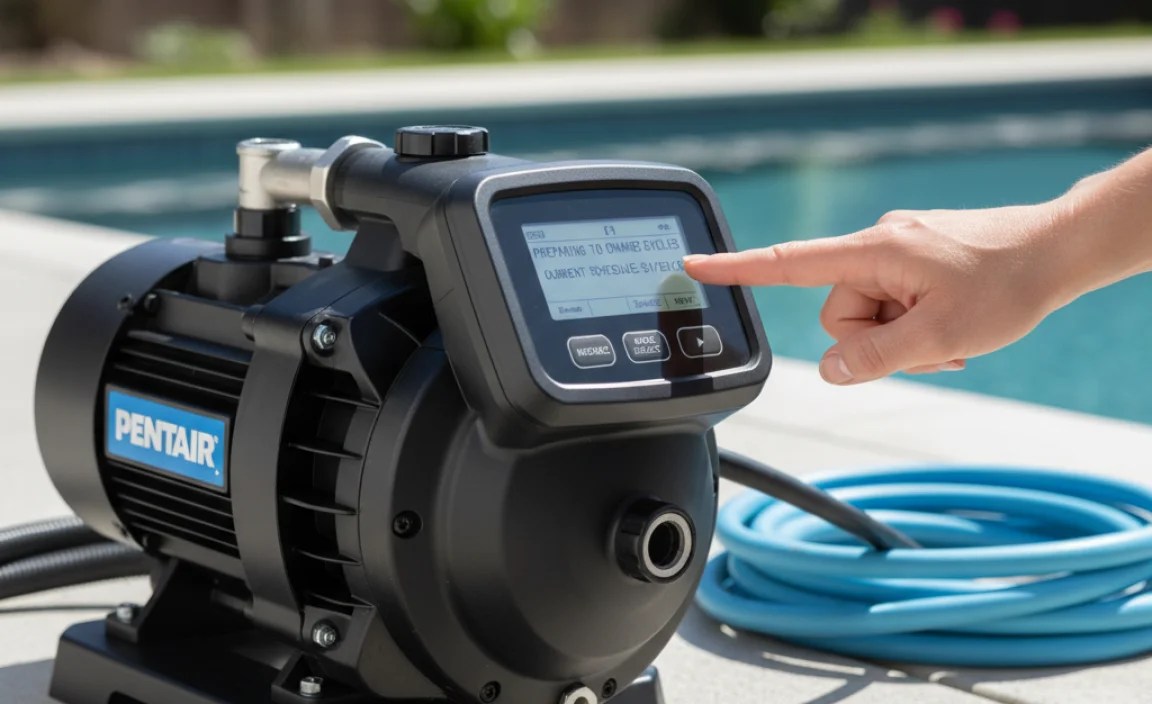
Before you start, make sure you have everything you need:
- Your Pentair Pump Manual: This is your go-to resource for specific instructions related to your pump model.
- A Pen and Paper (Optional): To jot down your current settings before making changes.
- A Comfortable Workspace: Ensure you can easily access the pump’s control panel.
Important Safety Note: Always turn off the power to your pump at the circuit breaker before performing any maintenance or adjustments. This prevents electrical shock and ensures your safety.
Step-by-Step Guide to Changing Pump Cycles
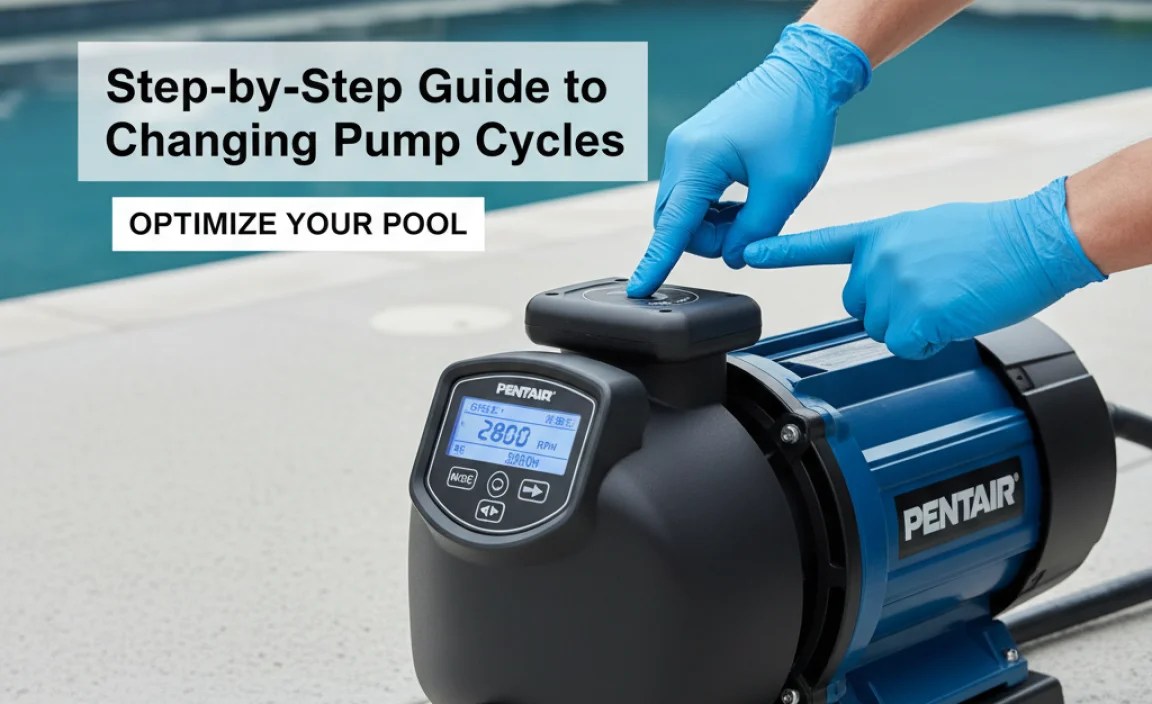
Follow these steps to adjust the cycles on your Pentair variable speed pump:
Step 1: Unlock the Control Panel
Most Pentair pumps have a lock feature to prevent accidental changes. To unlock the control panel, press and hold the “Menu” or “Unlock” button for a few seconds (usually 3-5 seconds). The display should indicate that the panel is unlocked.
Step 2: Navigate to the “Schedules” or “Programs” Menu
Use the arrow buttons to scroll through the menu options until you find “Schedules,” “Programs,” or a similar option. Press the “Select” or “Enter” button to access this menu.
Step 3: Select the Program to Edit
You’ll likely see a list of pre-set programs (e.g., Program 1, Program 2, etc.). Choose the program you want to modify. If you’re unsure which program is currently active, consult your pump manual or check the pump’s display for an indication of the active program.
Step 4: Adjust the Start and Stop Times
This is where you set the pump’s on and off times. Use the arrow buttons to adjust the hour and minute for both the start and stop times. Make sure the times are set correctly for AM or PM. For example, if you want the pump to start at 8:00 AM and stop at 4:00 PM, set the start time to 8:00 AM and the stop time to 4:00 PM.
Step 5: Set the Pump Speed
For each program, you can also set the pump speed. This is usually expressed as RPM (revolutions per minute) or a percentage of the maximum speed. Lower speeds are ideal for filtration, while higher speeds are better for backwashing or running a pool cleaner. Refer to your pool cleaner’s manual for the recommended flow rate.
Step 6: Save Your Changes
Once you’ve adjusted the start and stop times and the pump speed, save your changes. Press the “Save” or “Enter” button. The display should confirm that the changes have been saved.
Step 7: Lock the Control Panel
To prevent accidental changes, lock the control panel. Press and hold the “Menu” or “Lock” button for a few seconds until the display indicates that the panel is locked.
Example Pump Schedule
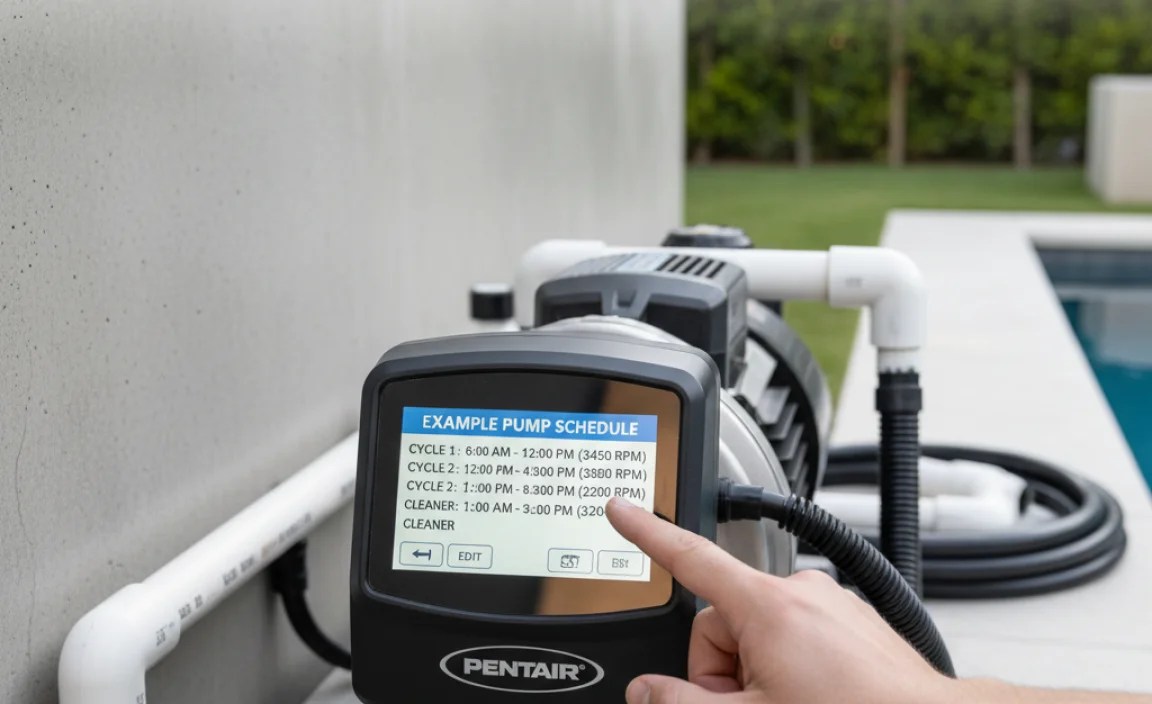
Here’s an example of a pump schedule that you can adapt to your own needs:
| Program | Start Time | Stop Time | Speed (RPM) | Purpose |
|---|---|---|---|---|
| Program 1 | 8:00 AM | 4:00 PM | 1500 | Filtration |
| Program 2 | 4:00 PM | 12:00 AM | 1000 | Filtration (Night) |
| Program 3 | 12:00 AM | 8:00 AM | Off | Off |
This schedule runs the pump at 1500 RPM during the day for optimal filtration and then lowers the speed to 1000 RPM at night to save energy and reduce noise. The pump is turned off completely during the early morning hours.
Tips for Optimizing Your Pump Schedule
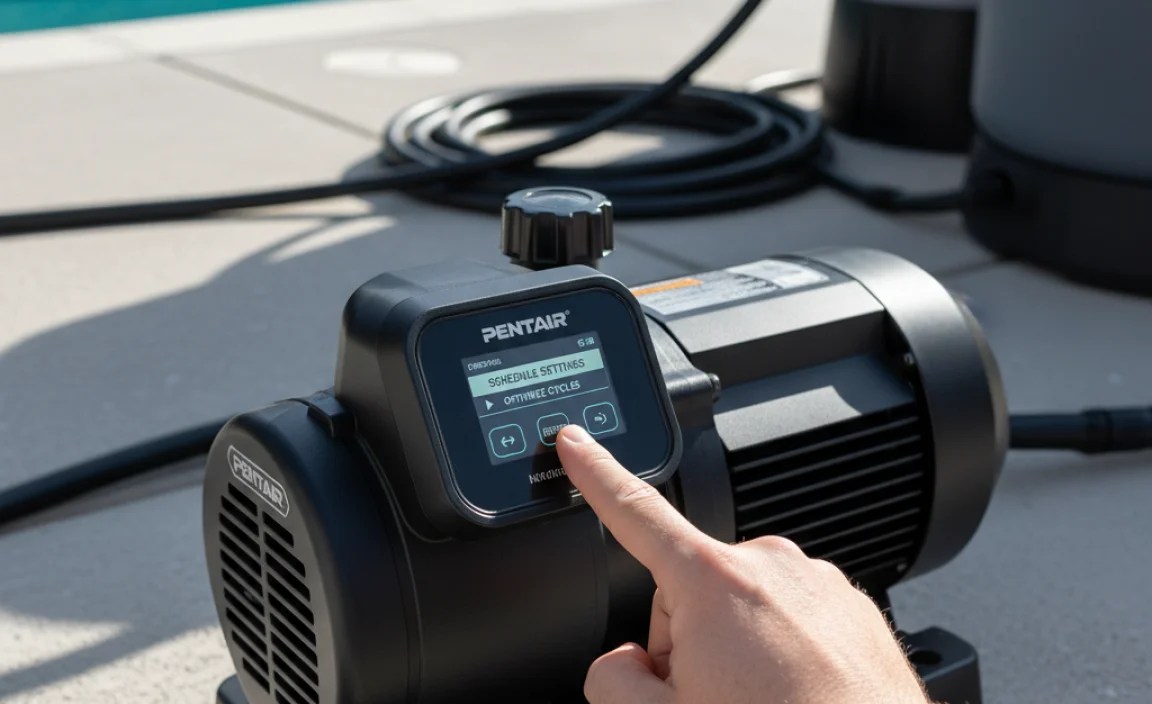
Here are some additional tips to help you optimize your pump schedule:
- Consider Your Pool Usage: If you use your pool more frequently during certain times of the day, adjust your pump schedule accordingly.
- Monitor Water Clarity: Regularly check your pool water clarity. If the water is cloudy, you may need to increase the pump’s run time or speed.
- Adjust for Seasonal Changes: During the colder months, you may be able to reduce the pump’s run time or even turn it off completely.
- Use a Timer: If your pump doesn’t have a built-in timer, you can use an external timer to control the pump’s on and off times.
- Consult a Pool Professional: If you’re unsure how to optimize your pump schedule, consult a qualified pool professional.
Troubleshooting Common Issues
Here are some common issues you might encounter when changing pump cycles and how to troubleshoot them:
- Pump Not Turning On:
- Check the circuit breaker to make sure it hasn’t tripped.
- Verify that the pump is properly connected to the power source.
- Make sure the pump’s timer or control panel is set correctly.
- Pump Running Constantly:
- Check the pump’s timer or control panel to make sure it’s set to turn off at the desired time.
- Inspect the pump’s float switch (if equipped) to make sure it’s not stuck in the “on” position.
- Pump Making Unusual Noises:
- Check the pump for debris or obstructions.
- Inspect the pump’s impeller for damage.
- Lubricate the pump’s motor bearings.
- Error Messages on the Display:
- Consult your pump manual for a list of error codes and their meanings.
- Try resetting the pump by turning off the power for a few minutes and then turning it back on.
Understanding Different Pentair Pump Models
Pentair offers a variety of variable speed pumps, each with slightly different features and control panels. Here’s a brief overview of some popular models:
| Model | Key Features | Control Panel Type |
|---|---|---|
| IntelliFlo VS | Energy-efficient, ultra-quiet operation | Digital display with push-button controls |
| SuperFlo VS | Compact design, easy to install | Digital display with push-button controls |
| WhisperFlo VS | High-performance, reliable | Digital display with push-button controls |
| IntelliPro VS | Advanced features, enhanced programmability | LCD screen with menu-driven interface |
While the specific steps for changing pump cycles may vary slightly depending on the model, the general principles remain the same. Always refer to your pump manual for detailed instructions.
Why Variable Speed Pumps Save Energy
Variable speed pumps are significantly more energy-efficient than single-speed pumps because they can operate at lower speeds for most tasks. The energy savings are based on the “affinity laws,” which state that the power consumption of a pump is proportional to the cube of its speed. This means that if you reduce the pump’s speed by half, you reduce its power consumption by a factor of eight!
For example, if a single-speed pump consumes 1500 watts, reducing the speed of a variable speed pump to half would only consume around 187.5 watts. This can result in significant savings on your electricity bill over time. According to the Department of Energy, switching to a variable speed pump can save you up to 75% on your pool’s energy costs. U.S. Department of Energy
Additional Resources
Here are some helpful resources for learning more about Pentair variable speed pumps:
- Pentair Website: www.pentair.com – The official Pentair website provides product information, manuals, and support resources.
- Pool Supply Stores: Local pool supply stores can offer expert advice and assistance with programming your pump.
- Online Forums: Online forums and communities dedicated to pool ownership can provide valuable tips and troubleshooting advice.
FAQ: Changing Cycles on a Pentair Variable Speed Pump
1. How do I know what speed to set my pump for filtration?
The ideal speed for filtration depends on the size of your pool and the type of filter you have. A good starting point is around 1500 RPM. Monitor your water clarity and adjust the speed as needed.
2. Can I damage my pump by running it at too low of a speed?
No, running your pump at a low speed will not damage it. In fact, it’s better for the pump to run at a lower speed for longer periods than at a high speed for short periods.
3. How often should I backwash my filter?
Backwash your filter when the pressure gauge reads 8-10 PSI (pounds per square inch) higher than the normal operating pressure. This usually needs to be done every 1-3 weeks, depending on pool usage and environmental factors.
4. What does priming the pump mean?
Priming the pump means filling the pump housing with water to remove air. Air in the pump can prevent it from operating properly. You usually need to prime the pump after cleaning the filter or when the pump hasn’t been used for a while.
5. How do I winterize my Pentair pump?
To winterize your Pentair pump, first, turn off the power to the pump. Then, drain all the water from the pump housing, filter, and pipes. Disconnect the pump and store it in a dry, protected location.
6. Where can I find the model number of my Pentair pump?
The model number is usually located on a sticker on the side of the pump motor. It may also be listed in your pump manual.
7. How do I reset my Pentair variable speed pump to factory settings?
The process varies by model, but generally involves pressing and holding a specific combination of buttons (often “Menu” and “Back”) for several seconds until the display indicates a reset. Check your pump’s manual for the exact procedure.
Conclusion
Changing the cycles on your Pentair variable speed pump is a straightforward process that can save you money and improve your pool’s performance. By following the steps outlined in this guide, you can easily customize your pump schedule to meet your specific needs. Remember to consult your pump manual for detailed instructions and safety precautions. With a little effort, you can take control of your pool’s operation and enjoy a cleaner, more energy-efficient swimming experience. Happy swimming!
“`