
What Does the Cycle Mean on a Spectra Pump? A Simple Guide

Quick Summary: The “cycle” on your Spectra breast pump refers to the speed at which the pump pulls and releases, measured in cycles per minute (CPM). A higher cycle setting means more pulls per minute, which can help stimulate milk flow. Adjust the cycle along with the vacuum strength to find the most comfortable and effective setting for your body.
Breast pumps can seem complicated, especially when you’re a new parent. One of the most common questions is, “What does the cycle setting on my Spectra pump actually do?” It’s a fair question! Understanding this setting can make a big difference in your pumping experience and milk output. Many moms struggle to figure out the right combination of settings, but don’t worry – it’s simpler than it looks. In this guide, we’ll break down what the cycle setting means, how to adjust it, and how to find the perfect setting for you. We’ll also cover some frequently asked questions to help you feel confident and in control of your pumping journey.
Understanding the Cycle Setting
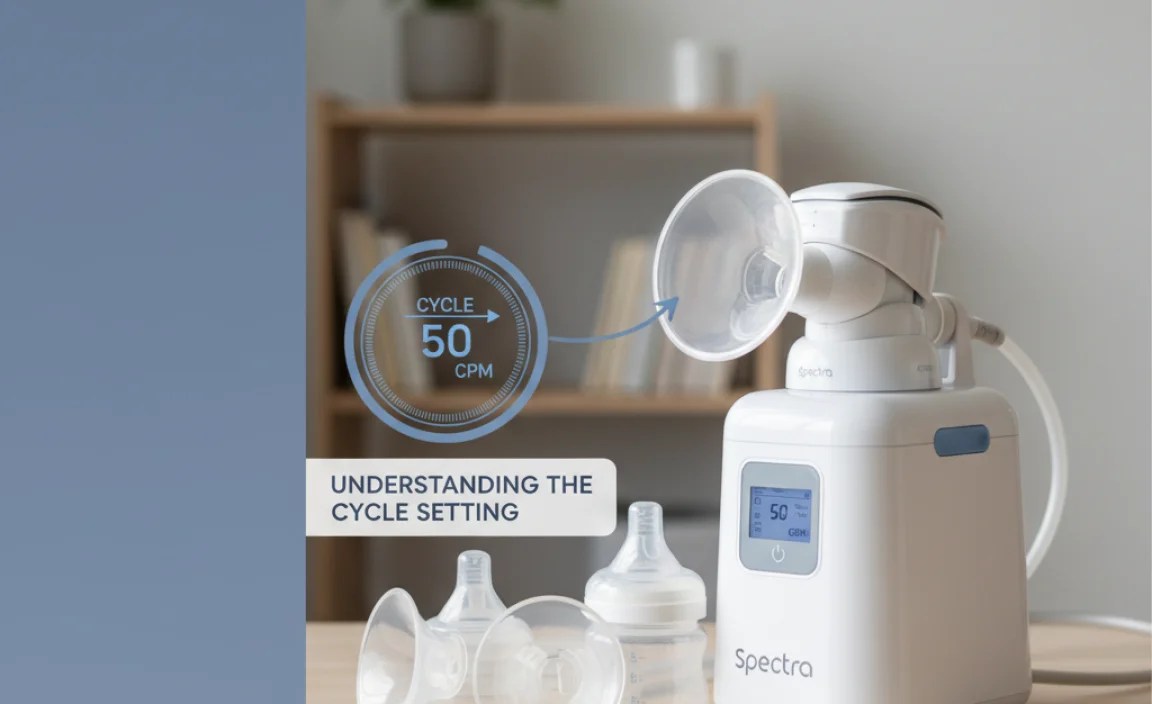
The cycle setting on your Spectra pump, often displayed as CPM (cycles per minute), controls how many times the pump sucks and releases per minute. Think of it like the speed of the pump. A higher cycle means the pump is working faster, while a lower cycle means it’s working slower.
How Cycle Speed Affects Milk Expression
Cycle speed plays a crucial role in stimulating your milk ejection reflex (let-down) and efficiently removing milk. Here’s how it works:
- Higher Cycle Speed: Often used to stimulate let-down. The rapid suction can mimic a baby’s initial, quick sucks at the breast.
- Lower Cycle Speed: Typically used once milk is flowing to more efficiently remove milk.
Every woman responds differently to various cycle speeds, so finding what works best for you is essential. It’s a balance between comfort and efficiency.
How to Adjust the Cycle Setting on Your Spectra Pump

Adjusting the cycle setting on your Spectra pump is straightforward. Here’s a step-by-step guide:
- Turn on Your Pump: Press the power button to start your Spectra pump.
- Enter Expression Mode: Most Spectra pumps start in massage mode. Press the cycle button to switch to expression mode. This mode allows you to adjust both the cycle and vacuum settings.
- Adjust the Cycle: Use the “+” and “-” buttons next to the cycle display to increase or decrease the cycle speed. The numbers typically range from 38 to 70 CPM, depending on the model.
- Adjust the Vacuum: Use the “+” and “-” buttons next to the vacuum display to increase or decrease the suction strength.
- Observe and Adjust: Start with a higher cycle speed (e.g., 60-70 CPM) to stimulate let-down. Once your milk starts flowing, gradually decrease the cycle speed to a more comfortable and efficient level (e.g., 45-55 CPM).
- Find Your Sweet Spot: Pay attention to your body’s response. If you feel discomfort, reduce the vacuum strength or cycle speed. The goal is to find a combination that maximizes milk output without causing pain.
Tip: Keep a log of your settings and milk output each session. This can help you identify patterns and optimize your pumping strategy.
Finding the Right Cycle and Vacuum Combination

The cycle setting works hand-in-hand with the vacuum (suction) setting. Finding the right balance between the two is key to a comfortable and effective pumping session.
Start with Stimulation Mode
Spectra pumps typically start in massage or stimulation mode. This mode features a fast cycle speed and lower vacuum to mimic a baby’s initial sucking and stimulate let-down. Stay in this mode for a few minutes until your milk starts flowing.
Switch to Expression Mode
Once your milk is flowing, switch to expression mode. In this mode, you can adjust both the cycle and vacuum settings independently.
Adjust Vacuum Settings
Start with a low vacuum setting and gradually increase it until you reach a level that feels strong but comfortable. Avoid settings that cause pain.
Fine-Tune Cycle Settings
Once you’ve found a comfortable vacuum level, experiment with the cycle settings. Some mothers find that a slower cycle with a higher vacuum works best, while others prefer a faster cycle with a lower vacuum. Pay attention to how your body responds and adjust accordingly.
Example Settings
Here’s a table with example settings that you can try as a starting point:
| Stage | Cycle (CPM) | Vacuum Level | Description |
|---|---|---|---|
| Stimulation | 60-70 | 1-3 | Stimulate let-down |
| Expression (Initial) | 50-60 | 4-6 | Maintain milk flow |
| Expression (Mid-Session) | 40-50 | 6-8 | Efficient milk removal |
| Expression (End-Session) | 38-45 | 8-10 | Emptying breasts |
Remember, these are just starting points. You may need to adjust these settings to find what works best for you.
Troubleshooting Common Issues
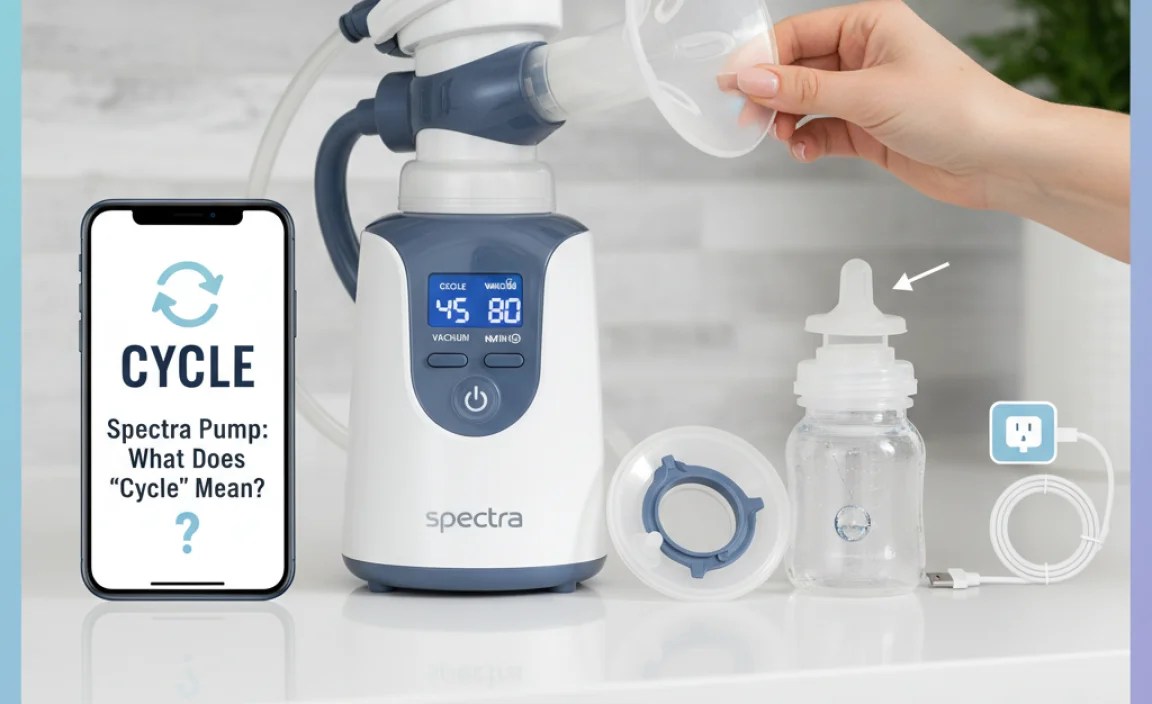
Even with the right settings, you might encounter some issues. Here are a few common problems and how to address them:
- Low Milk Output:
- Possible Cause: Incorrect cycle and vacuum settings.
- Solution: Experiment with different combinations. Try increasing the vacuum level or adjusting the cycle speed.
- Pain or Discomfort:
- Possible Cause: Vacuum level too high.
- Solution: Reduce the vacuum level immediately. Ensure the flange size is correct to prevent nipple irritation.
- Pump Not Stimulating Let-Down:
- Possible Cause: Cycle speed too low.
- Solution: Increase the cycle speed to mimic a baby’s rapid sucking. Try massage mode for a few minutes before switching to expression mode.
Tips for Comfortable and Effective Pumping
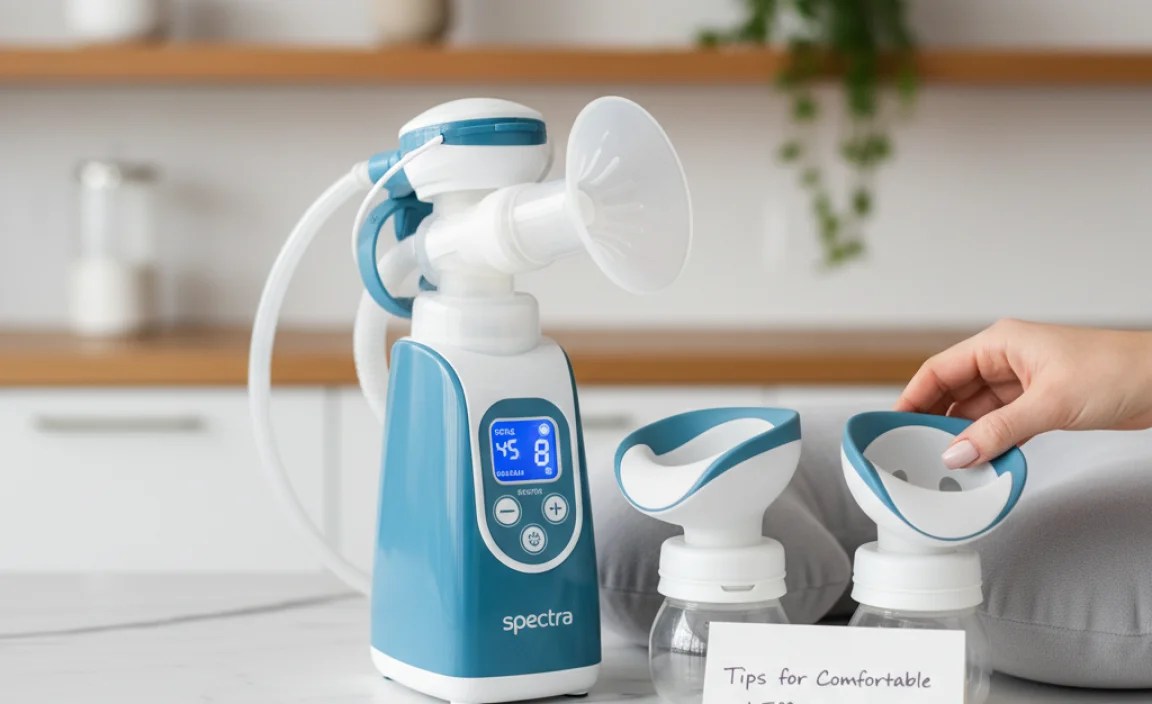
Here are some additional tips to enhance your pumping experience:
- Correct Flange Size: Using the correct flange size is crucial for comfort and milk output. A flange that is too small or too large can cause pain and reduce milk flow. Consult a lactation consultant or use a flange sizing guide to determine the right size for you.
- Proper Positioning: Ensure you are sitting comfortably and that the breast shields are properly aligned with your nipples. Poor positioning can lead to discomfort and reduced milk output.
- Massage: Gently massage your breasts before and during pumping to help stimulate milk flow.
- Relaxation Techniques: Stress can inhibit milk flow. Practice relaxation techniques such as deep breathing, listening to calming music, or looking at pictures of your baby to help you relax during pumping sessions.
- Hydration and Nutrition: Stay well-hydrated and eat a balanced diet to support milk production.
- Regular Maintenance: Clean and inspect your pump parts regularly to ensure proper function and hygiene. Replace parts as needed to maintain optimal performance.
Spectra Pump Models and Cycle Settings
Spectra offers several pump models, each with slightly different features and cycle settings. Here’s a brief overview of some popular models and their cycle ranges:
| Model | Cycle Range (CPM) | Key Features |
|---|---|---|
| Spectra S1 | 38-54 | Rechargeable battery, quiet operation |
| Spectra S2 | 38-54 | Night light, lightweight |
| Spectra 9 Plus | 38-54 | Compact, portable |
| Spectra Synergy Gold | 30-70 | Customizable settings, independent control |
Always refer to your pump’s user manual for specific instructions and settings.
When to Seek Professional Help
If you’re experiencing persistent pain, low milk output, or other issues with your Spectra pump, don’t hesitate to seek help from a lactation consultant or healthcare provider. They can provide personalized guidance and support to help you achieve your breastfeeding goals.
- Lactation Consultant: Can help with latch issues, milk supply problems, and pumping techniques.
- Healthcare Provider: Can rule out any underlying medical conditions that may be affecting your milk supply.
FAQ About Spectra Pump Cycle Settings
Here are some frequently asked questions about cycle settings on Spectra pumps:
- What is the difference between cycle and vacuum on a Spectra pump?
- The cycle is the speed of the pump’s suction and release, measured in cycles per minute (CPM). The vacuum is the strength of the suction.
- What cycle speed should I start with on my Spectra pump?
- Start with a higher cycle speed (60-70 CPM) in massage mode to stimulate let-down, then switch to expression mode and adjust the cycle speed as needed.
- Is a higher or lower cycle better for milk output?
- It varies for each woman. Some find a higher cycle helps stimulate let-down, while a lower cycle is more efficient for milk removal once the milk is flowing.
- How do I know if my vacuum setting is too high?
- If you experience pain or discomfort, the vacuum setting is likely too high. Reduce the vacuum level until you feel comfortable.
- Can I use the same cycle and vacuum settings for every pumping session?
- Your needs may change over time, so it’s a good idea to experiment with different settings to find what works best for you at each session.
- What does massage mode do on a Spectra pump?
- Massage mode uses a fast cycle speed and low vacuum to mimic a baby’s initial sucking and stimulate let-down.
- How often should I replace the parts of my Spectra pump?
- Replace pump parts such as valves and membranes every 3-6 months, or sooner if you notice a decrease in suction or performance. Check with your pump manual for specific part replacement recommendations.
External Resources
For more information on breastfeeding and pumping, check out these resources:
- Centers for Disease Control and Prevention (CDC) – Breastfeeding
- Office on Women’s Health – Breastfeeding
- La Leche League International
Conclusion
Understanding the cycle setting on your Spectra pump is a crucial step in optimizing your pumping experience. By experimenting with different cycle and vacuum combinations, you can find the perfect settings that maximize milk output and minimize discomfort. Remember to pay attention to your body’s signals and adjust as needed. With a little practice and patience, you’ll become a pumping pro in no time. Happy pumping!
“`


